
"Search-ready" sounds technical. It is not. It means that Google can find your pages, read them, and show them to the right person, and that a customer who lands on one can do what they came to do. This guide is a plain checklist for a local service business. You do not need to be technical to use it.
1. It works well on a phone
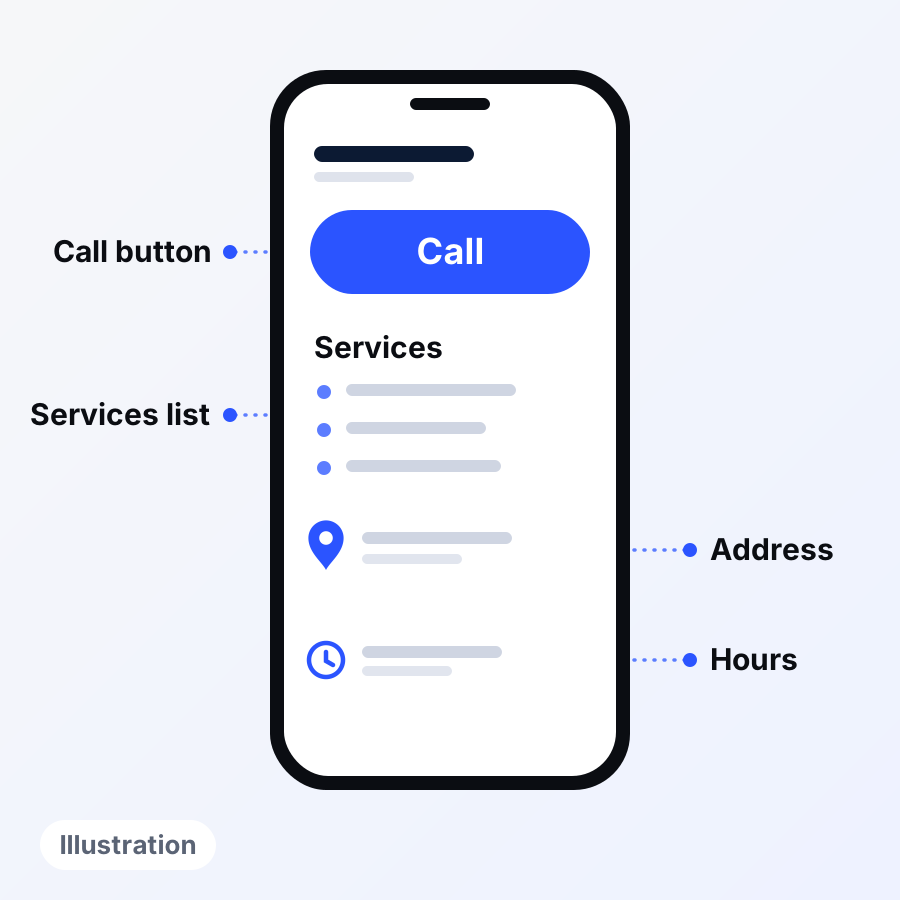
Google says it uses the mobile version of your site for indexing and ranking. It advises that the mobile version have the same content, the same headings and the same titles and descriptions as the desktop version. So the phone view is the real one. Open your site on your phone and look for the things a customer needs: what you do, where you work, how to call, how to ask for a quote.
2. It loads fast and feels safe
Google says no single signal decides page experience, but it lists speed, a secure connection (the padlock, called HTTPS), a good phone view and no pop-ups that block reading as things to check. A good score does not ensure a top ranking, so fix what a visitor would notice.
3. Each service has its own page, with its own title
Our opinion, not a Google rule: a customer looking for "water heater repair" is better served by a page about water heater repair than by one long page about everything. Google does give clear advice on titles. Each page should have a unique title that is clear, concise and describes the page. Avoid repeating the same text on every page. Include your business name briefly, at the start or end.
Keep each page honest and useful. Google's guidance warns against pages made only to catch similar searches, such as near-identical pages for every town with only the town name changed. If you have a page for a town, it should say something true and specific about your work there.
4. It says who you are and where you work
Google's guidance on helpful content asks readers to be able to tell who is behind a page. Put your business name, service area and contact details where people can see them. Make them match your Google Business Profile, because Google says inaccurate information can keep a profile from showing for nearby searches. Your profile also has a field for your website link, so check that it points to the right page. Every page should also have a visible call button and a contact form that works.
5. Every page can be reached by a link
Every page you care about should be linked from at least one other page on your site, Google advises. Links should be ordinary links with a web address behind them, not buttons that do something else. Use words that describe where the link goes, like "water heater repair", not "click here". Our page on websites for local businesses describes our website work.
6. Real words, not keyword lists
Google calls it keyword stuffing when a page is filled with keywords, or lists of cities, in an attempt to manipulate rankings. Write like you talk to a customer. If a sentence reads strangely out loud, change it. Google's guidance also notes that length alone does not affect rankings, so do not pad pages.
7. You can see how it is doing
Search Console is a free Google tool that shows how Google sees your pages and which searches bring people to them. Setting it up is worth doing once. Look at it monthly, not daily. Our page on SEO and AI search covers the behind-the-scenes fixes.
How this connects to the map
Your website is one of the things that make you known, and Google counts links to your site toward prominence. A clear, accurate site and a clear, accurate profile support each other. See our page on Google Maps and local SEO for the link between them.
What to do this week
- Open your site on your phone. Can you find your phone number in ten seconds? Does tapping it start a call?
- Send a test message through your contact form. Does it arrive?
- Search for your business name and read the title Google shows. Is it clear?
- List your services. Does each one have its own page that says something real?
- Compare the name, phone number and hours on your site with your Business Profile. Fix any mismatch.
- Make sure every page is linked from your menu or another page.
- Ask whoever built your site whether Google's free Search Console tool is set up.
- Check that every page has a visible call button and a way to contact you, not only the home page.
What this does not promise
Ticking every box is no promise: a site that ticks them all can still rank poorly, and a site that ticks few can still show up. Google decides, keeps the details private and changes how it works. Nothing here promises a position, calls or revenue. Google's own guide suggests waiting a few weeks before judging a change.
See how your site looks to a customer
The free audit looks at your website on a phone, along with five other checks. Tell us your business name or website and the main city you serve. No charge, no strings, and the findings are yours whether or not you ever hire us. Ask for your free audit.
Sources
- Google Search Central: mobile-first indexing
- Google Search Central: page experience
- Google Search Central: title links
- Google Search Central: spam policies
- Google Search Central: crawlable links
- Google Search Central: creating helpful, people-first content
- Google Search Central: SEO starter guide
- Google Business Profile Help: tips to improve your local ranking