
Ask ten owners what helps a business show up on the map and you get ten answers, from "more photos" to "a keyword in the name". Some is useful. Some can put your profile at risk. This guide sticks to what Google has written down, and says plainly where it is our opinion.
Start with Google's three factors
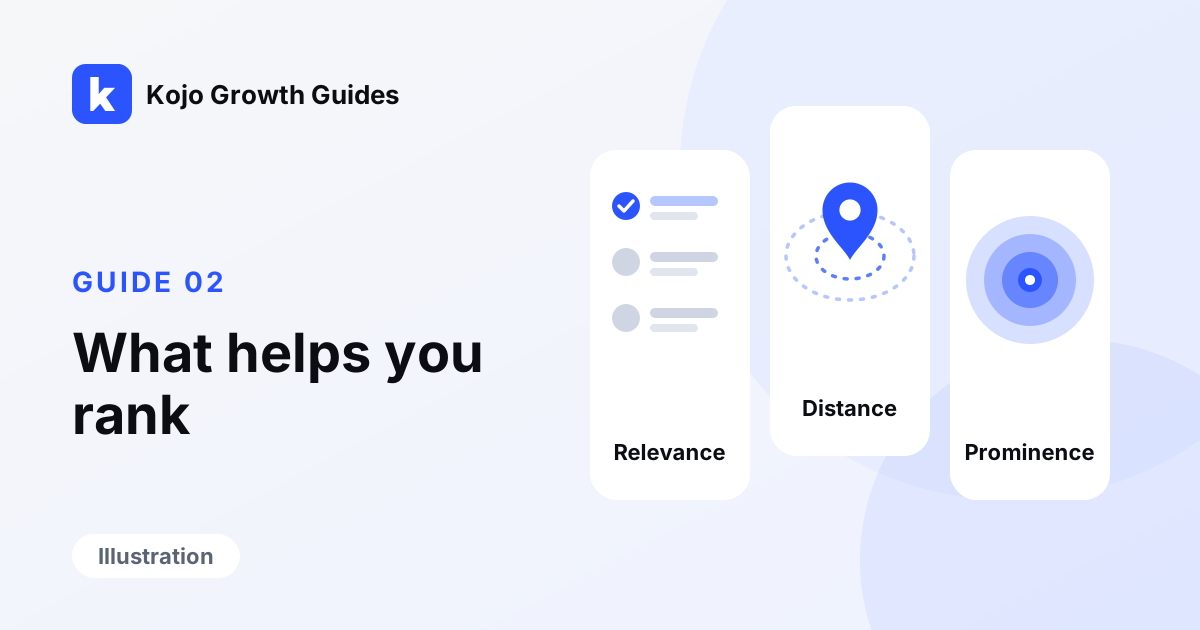
Google says local results are mainly based on relevance, distance and prominence. Every sensible step below belongs to one of those three. If a tip does not fit any of them, be suspicious of it.
Relevance: look like what you are
Relevance is how well your profile matches the search. You help it by being complete and accurate.
- Use your real name. Google asks that the name on your profile match the name your customers know, as used on your sign, your website and your paperwork. It does not allow taglines, phone numbers, hours or location details in the name, and says adding unnecessary information could result in suspension. Adding "Best Cheap Plumber Detroit" to your name is the kind of thing that could result in a suspension.
- Pick categories honestly. Google says to use as few categories as possible to describe your core business, and not to use categories only as keywords. The main category is the one that describes what you mostly do.
- Fill in the details. You can edit hours, phone number, website link, service area, business description, services, photos and more. Google says businesses with complete and accurate information are more likely to show up, and that wrong information can keep a profile from appearing for nearby searches.
- Describe your work in plain words, as you would to a customer.
Distance: the factor you cannot change, and should not fake
You cannot move your shop closer to the customer. Do not try to fake it. Google asks for a real address or service area. It says a post office box or a mailbox at a remote location is not acceptable, a virtual office is not eligible, and you should have one profile per location. If you travel to customers and have no storefront, Google says to hide your address and set a service area.
What you can do is set your service area truthfully. Keep it within about two hours of driving from where you are based, which is Google's limit. List the towns you really work in.
Prominence: be known, honestly
Prominence is how well known you are. Google gives two examples: how many websites link to you, and how many reviews you have. It adds that more reviews and positive ratings can help local ranking.
- Reviews from real customers. Ask everyone, the same way, with nothing offered in return. The rules are in our guide on asking for reviews the right way, and our page on reviews and reputation shows how we run it.
- Reply to your reviews. Replies show customers you value their feedback, and helpful ones can help a business stand out.
- A real website that people link to. Links come from being useful: a chamber of commerce listing or a supplier page are examples we would look for. Google's advice on hiring search help is that you should never have to link to an SEO, and to avoid anyone who talks about link popularity schemes. In our opinion, a site that is clear on a phone, with a page for each service, is a better thing to be known for. See our page on websites for local businesses.
- Photos and videos. Google suggests adding them. Use your own.
Verify the profile
Verifying your business tells Google you are authorized to represent it. If your profile is not verified, do that first.
What does not help
- Paying someone for a guaranteed spot. There is no way to request or pay for a better local ranking, Google says.
- Buying reviews or asking friends and staff to write them. Google treats reviews given in exchange for something as fake or misleading, and the FTC has a rule against fake reviews.
- Stuffing keywords into your name, description or website. Google calls it keyword stuffing and treats it as spam.
- Opening extra profiles for the same location.
How this fits together
None of this is secret. It is what a good business already does: tell the truth about who you are, be where you say you are, and do work people are happy to talk about. Nobody outside Google can say how much the map rewards it, how quickly, or for which search. Our page on local SEO and Google Maps goes into more detail.
What to do this week
- Open your Google Business Profile and check the name against your sign or invoice. Remove anything extra.
- Read your main category and add a secondary one only if it truly describes work you do.
- Fill every field you have left blank: hours, phone, website link, description, services.
- Add three recent photos of finished jobs that you took yourself.
- Reply to your last five reviews in your own words, thanks first.
- Check your service area lists only places you really serve.
What this does not promise
This list is general information, not a recipe. Doing everything on it does not promise a higher spot on the map, more calls or more revenue. Google keeps the details of its ranking private and can change them. Results differ by trade, town and competition, and some changes take weeks to be noticed.
See where you stand first
Kojo Growth runs a free audit. Tell us your business name or website and the main city you serve, and we will check how you show up across your area and what to fix first. The audit costs nothing and has no strings attached; if you never speak to us again, what we found and the three fixes are still yours. Ask for your free audit.
Sources
- Google Business Profile Help: tips to improve your local ranking
- Google Business Profile Help: business name, address and service area rules
- Google Business Profile Help: editing your business information
- Google Search Central: spam policies
- Google Search Central: do you need an SEO?
- Google Business Profile Help: asking for and managing reviews
- Google Search Central: SEO starter guide
- FTC business guidance: consumer reviews rule, questions and answers